

How to Use Tachiyomi After the Extension Update 2026
Almost every user is curious about how to use tachiyomi extensions after the modifications. Many extensions have been updated in tachiyomi and in this article i will guide you with simple steps which solve all your problems related to using tachiyomi extensions after update.
By following this guide you will be able to use the extensions smoothly. Here is a unique, step-by-step tutorial to add and install the extensions manually after the developer removes old features and adds new features in tachiyomi.
Why Were Tachiyomi Extensions Removed After Update?
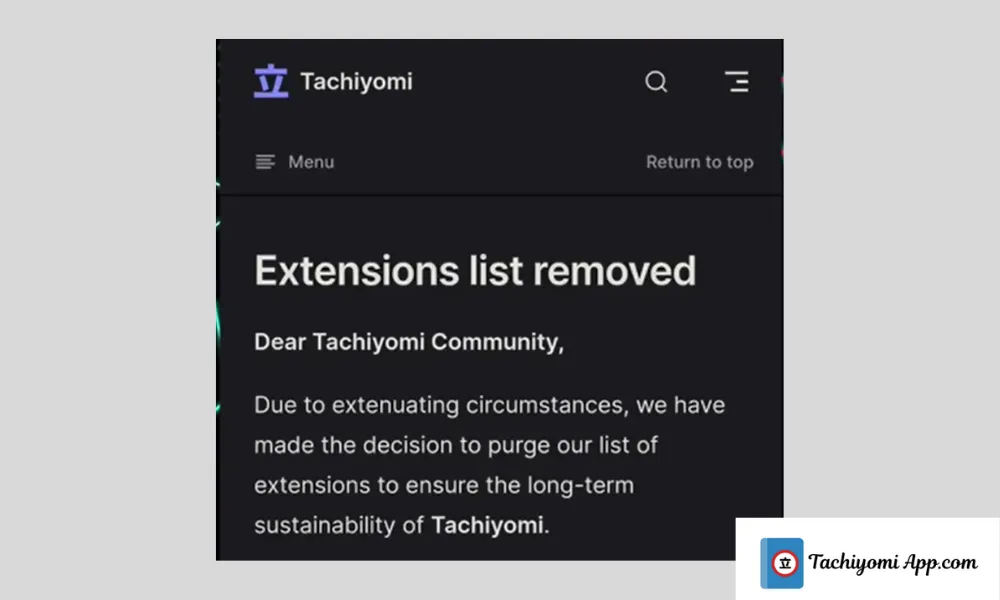
Recently, it was announced by the developers of tachiyomi that they will no longer support or develop the extensions directly inside the app. This step has been taken in order to:
- Avoid copyright problems.
- Secure the app from potential takesdown.
- Ensure the long-term sustainability of the project.
Developers announce this update via their official twitter account. Although the extensions are removed you can still manually add them using repositories.
This update lets the community host and manage extensions independently, ensuring faster updates, safer sources, and improved transparency. By decentralizing the extension system, Tachiyomi can adapt to future policy changes while keeping the main app lightweight, stable, and fully compliant with open-source principles.
Step-by-Step Roadmap for Using Tachiyomi with External Extensions
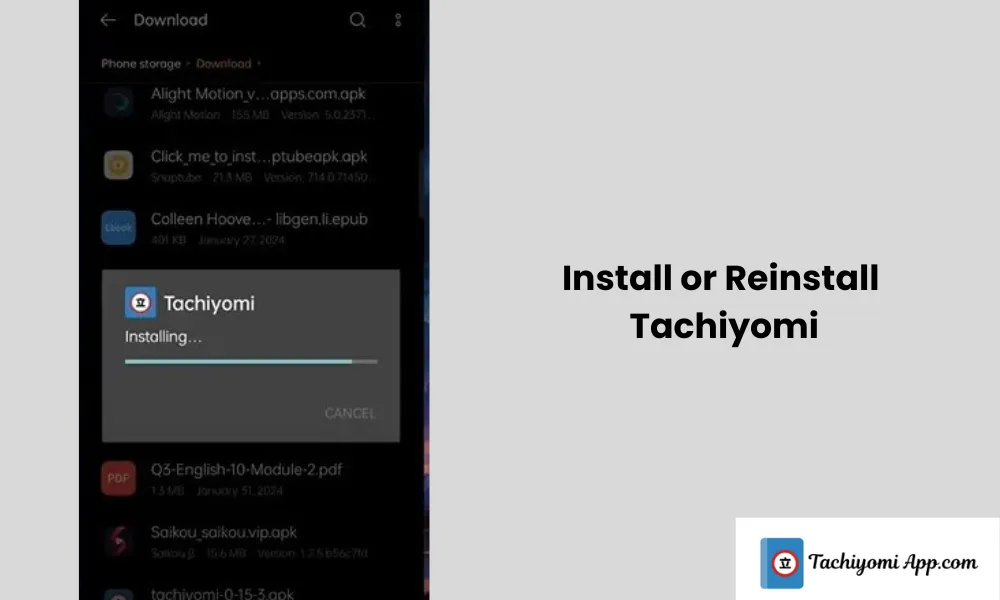
Step 1: Install or Reinstall Tachiyomi
If you already have tachiyomi installed on your device you can neglect this step. If not:
- To ensure a clean install, uninstall any previous version.
- Re-install the latest version of tachiyomi from the official website or trusted sources.
- Open the app and set your initial preferences.
- If you want your app to work properly, grant all the necessary permissions.
- To keep the things organized select the specific folders for storage and download.
Step 2: Access the Extensions Tab
- Open tachiyomi apk.
- You will see the browse section at the bottom tap on it.
- You will notice that the extension section is empty. There is no extension in this section. Don’t worry, that’s normal.
Step 3: Add a Custom Extension Repository
If you want to restore access of extensions manually, follows the steps below:
- Tap on “Extension Repository”.
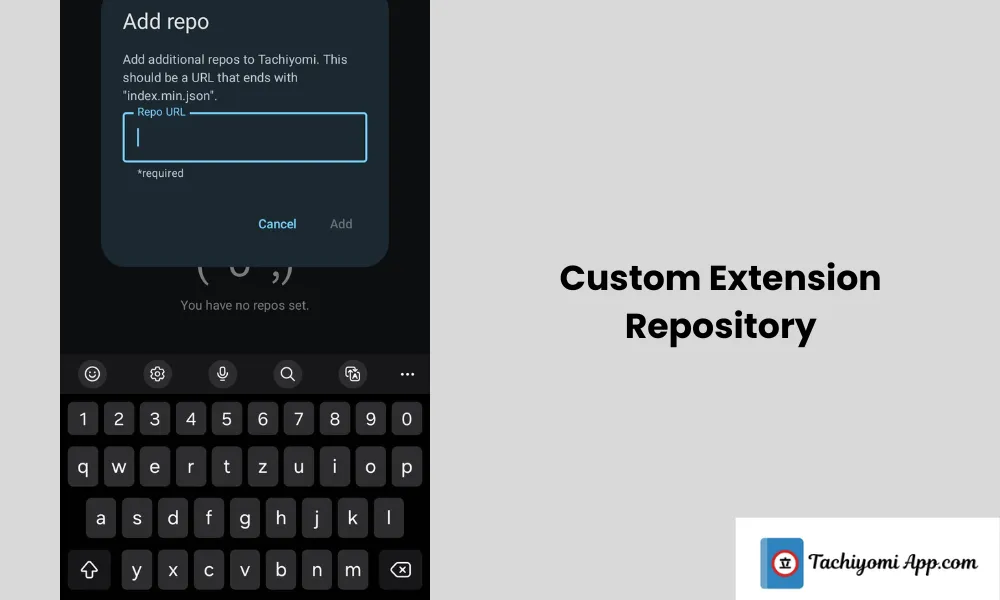
- Click “Add Repo”.
- From GitHub enter a trusted repo link (usually its available in updated guides and descriptions)
- Paste the link you have copied from GitHub and then press add.
- Refresh the extension tab, now you will see a list of extensions.
Step 4: Installing Extensions
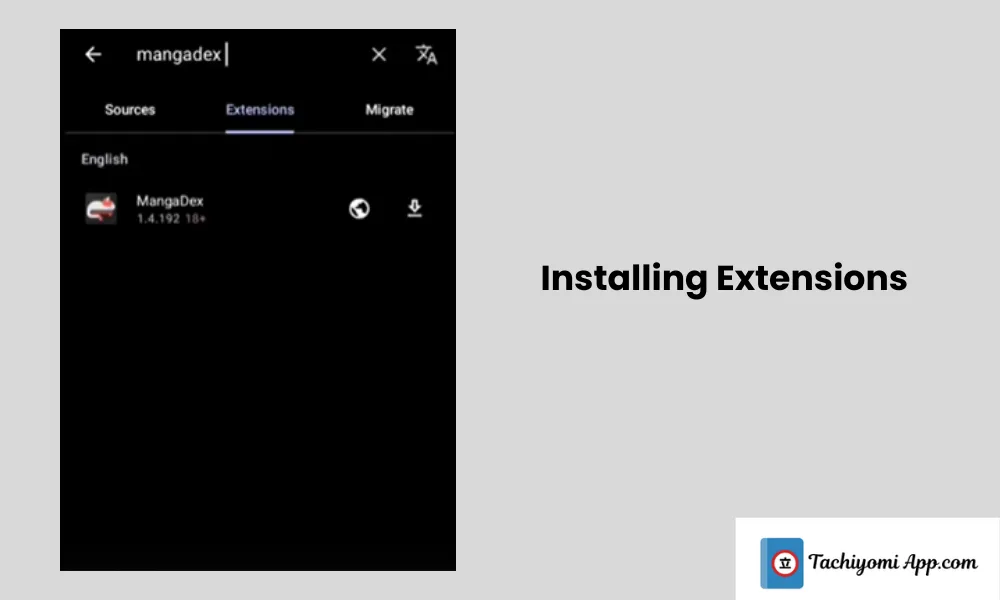
For instance, to install an extension like Mangadex:
- Select the extension which you want from the extension list in tachiyomi.
- Press the install button.
- “Download error” may occur, no need to be worried, it’s a common issue, often appears.
If you want to install extensions in tachiyomi in a smooth way, read our other detailed guide about how to install tachiyomi extensions.
Fixing the Download Error:
To fix the download error visit the official Tachiyomi extension GitHub repository. Look forward to your favourite extension like MangaHub,Manga Life or any other. Now you have to download the .apk file manually. Use tachiyomi apk to open the downloaded file and to install it.
Step 5: Trusting the Extension
When once you install the extension:
- Return to the app.
- Might be possible warning “ Untrusted Extensions” appear in the app.
- To work the extension properly tap on the extension and select Trust to enable it.
- Now your extension is ready to work, congratulations!
Step 6: Close and Clear Cache (rarely use)
If still extensions are not appearing or functioning, close the app, clear its cache, and then reopen it to refresh the extension list again
Proof of successful setup
To ensure that your extension is running smoothly, select manga extension from your browser. After this, choose your favourite manga series and open any chapter randomly. Hopefully you will be able to read and download manga without any problem. If you experience any issues, feel free to contact us via email or our website. We’re ready to assist you with How to Use Tachiyomi After Extension Update, to ensure you can get back to enjoying your manga seamlessly.
Final Summary:
The new extension elimination may appear daunting, you can still use tachiyomi like before the changes by following the few steps. To access your Manga Library add your favourite manga series in the bookmark.
We’ve now covered all the important points on how to use Tachiyomi effectively after the latest extension update.
FAQs:
Is Tachiyomi safe to use?
Tachiyomi is a safe, open-source manga reader app with no ads or trackers. Its safety depends on the third-party extensions you install, so use trusted sources to avoid malware or copyright issues.
How does Tachiyomi work?
Tachiyomi works by aggregating manga from multiple sources through downloadable extensions. Users install these extensions within the app, which then fetch manga chapters from various websites, allowing offline reading, library management, and customization of reading preferences all in one place.
What are Tachiyomi extensions?
Tachiyomi extensions are plugins that connect the app to specific manga websites, allowing users to access and download manga from multiple sources within a single interface.